
Five simple steps.
One clear plan.
From your first tap to your GP's sign-off, here's what to expect.
Already have a directive?
Upload it, from any state, whether downloaded from a website or signed with a lawyer or doctor as your state requires. We make it available to the people who need it.
Upload my directiveStarting fresh?
Answer simple questions, one at a time. Your answers are matched to your state's form and saved as documents you can share.
Help me write one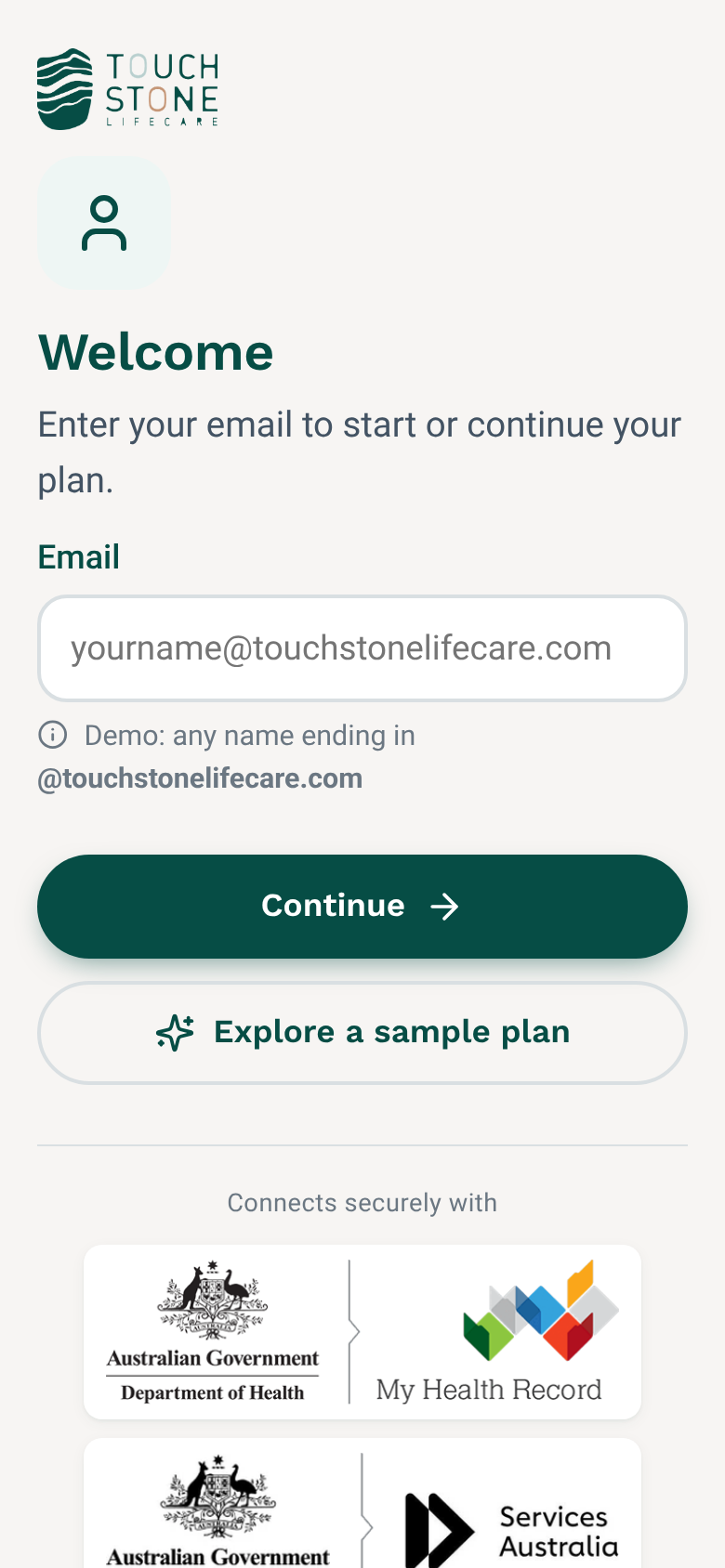
Sign up in a minute
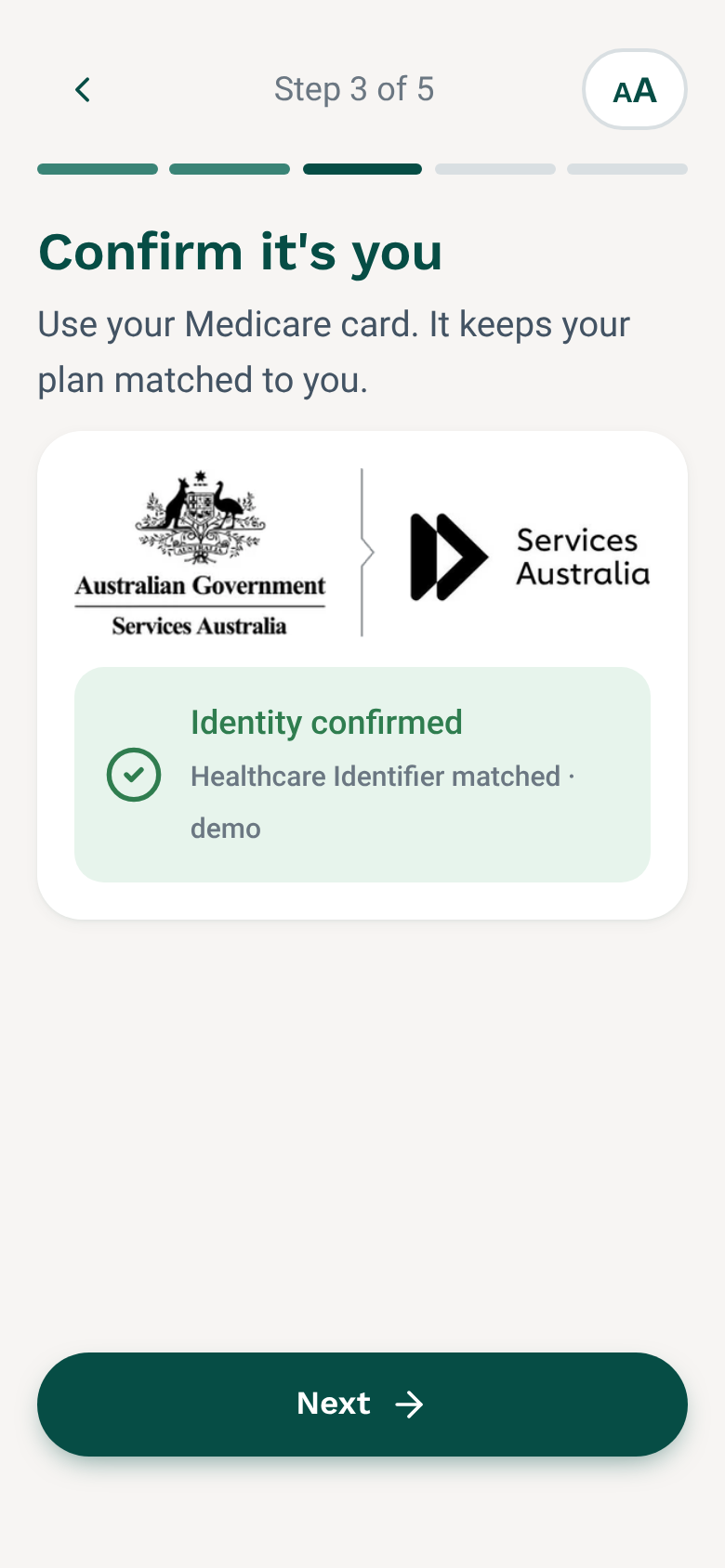
Just your email and a password. Then confirm it's you with your Medicare card, verified with Services Australia.
- Large text and big buttons
- Text size can be made bigger at any time
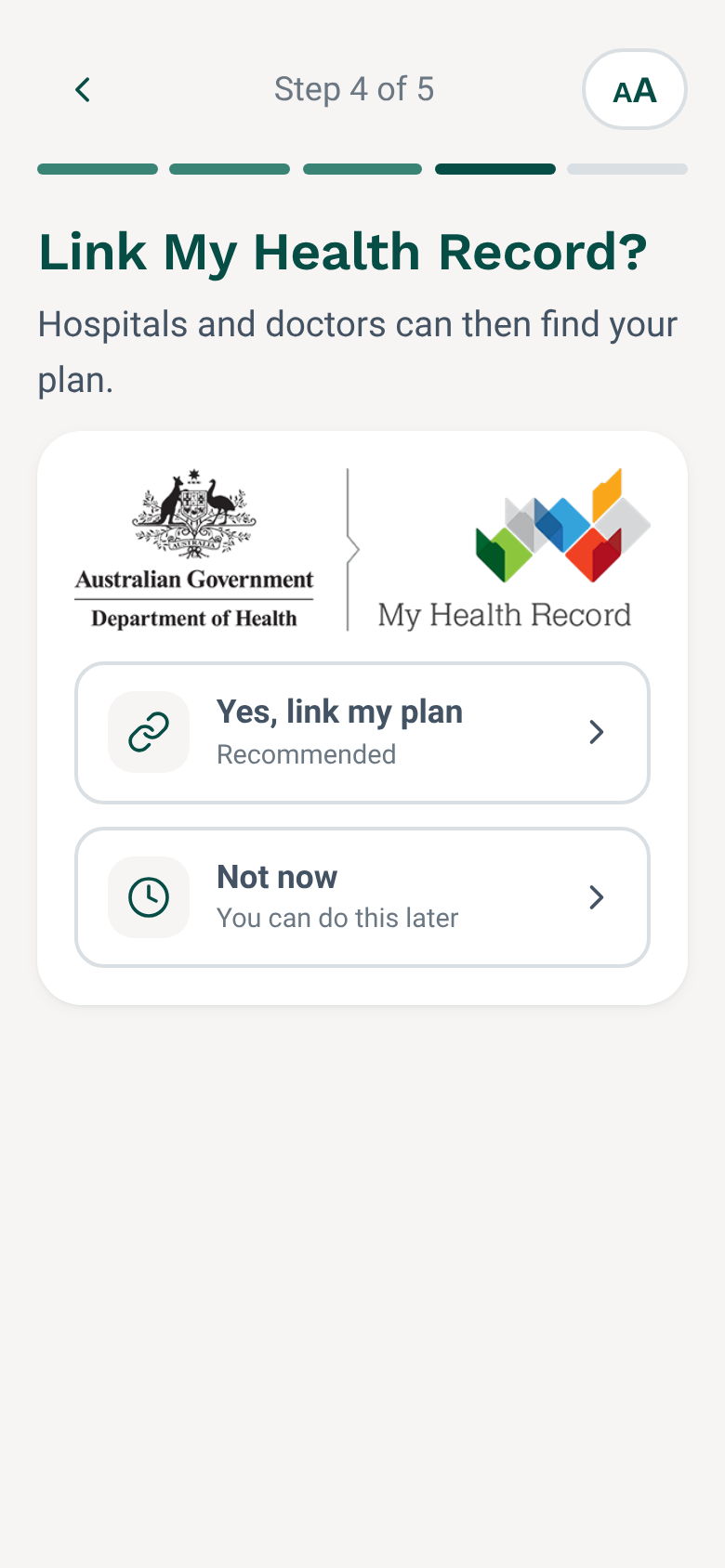
- Linked to My Health Record, if you choose
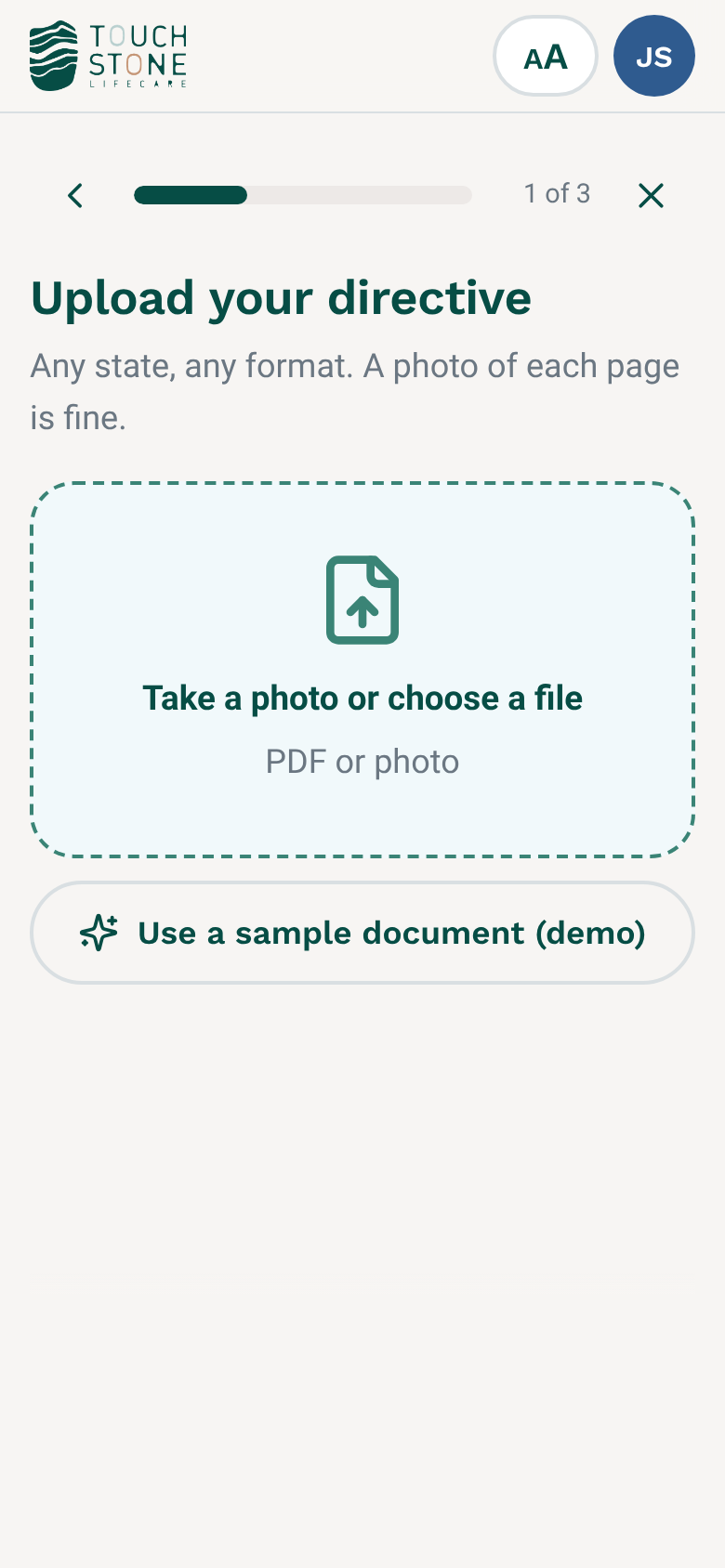
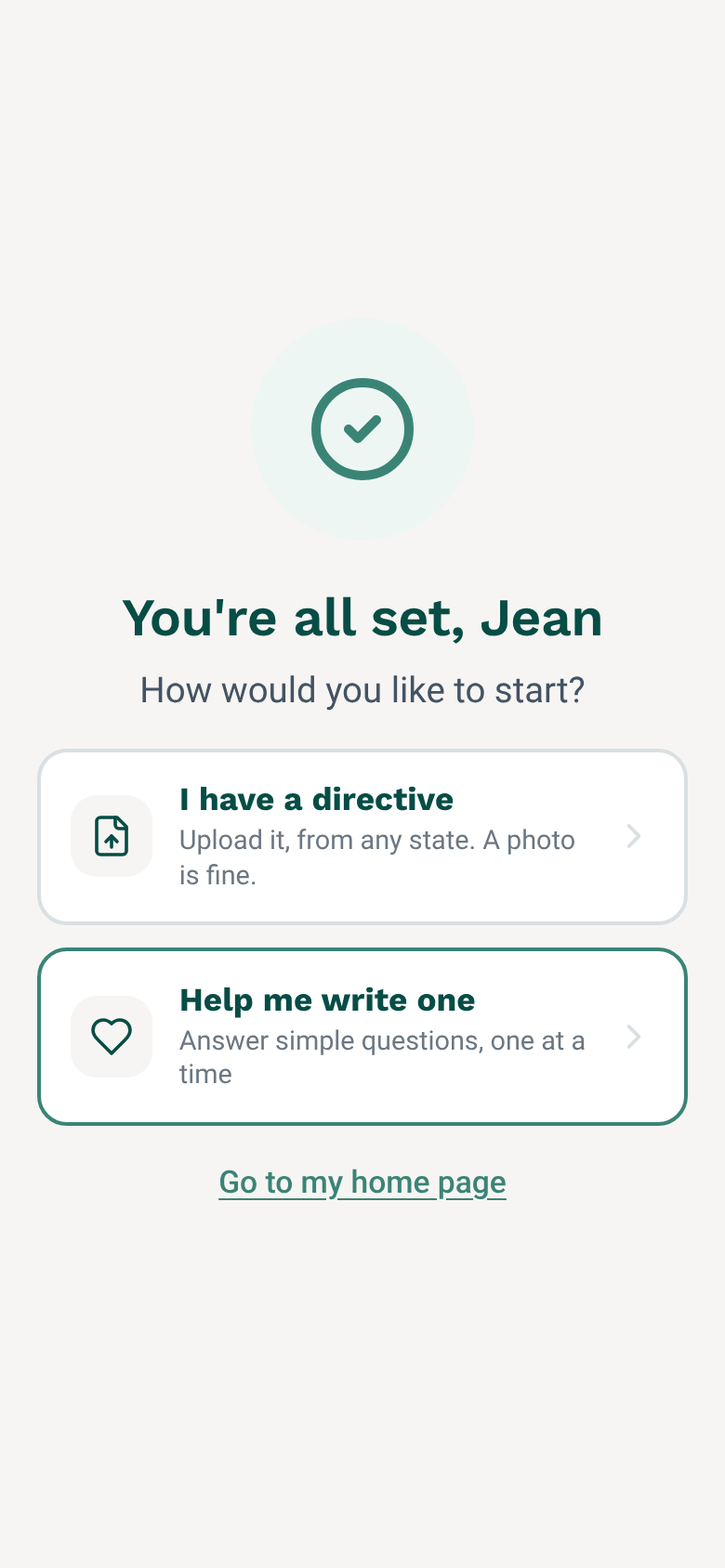
Upload your directive, or answer a few questions
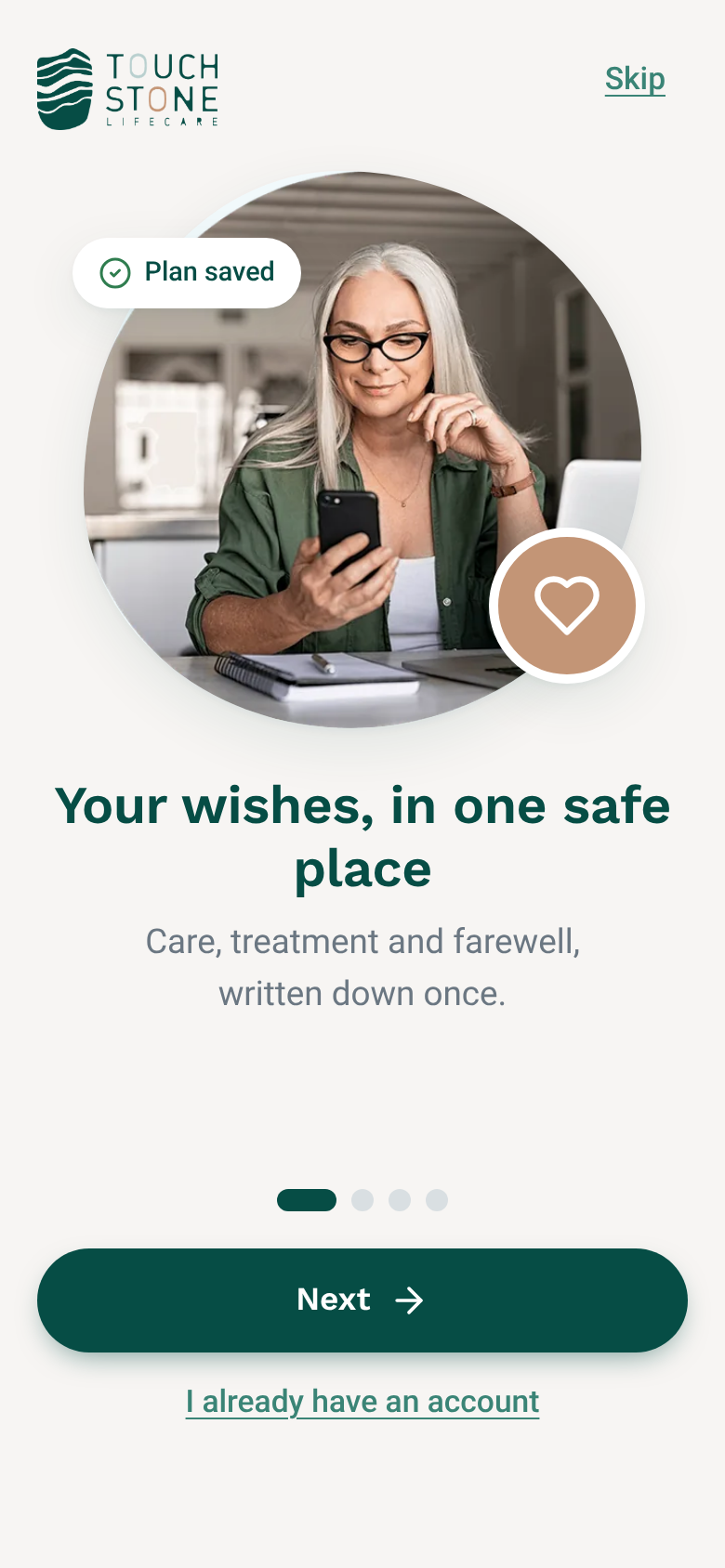
Already have an advance care directive? Upload it, from any state, and we'll make it available to the people who need it. Or tap through simple questions instead.
- Downloaded from a website, or signed with a lawyer or doctor
- A photo of each page is fine
- Questions follow Advance Care Planning Australia
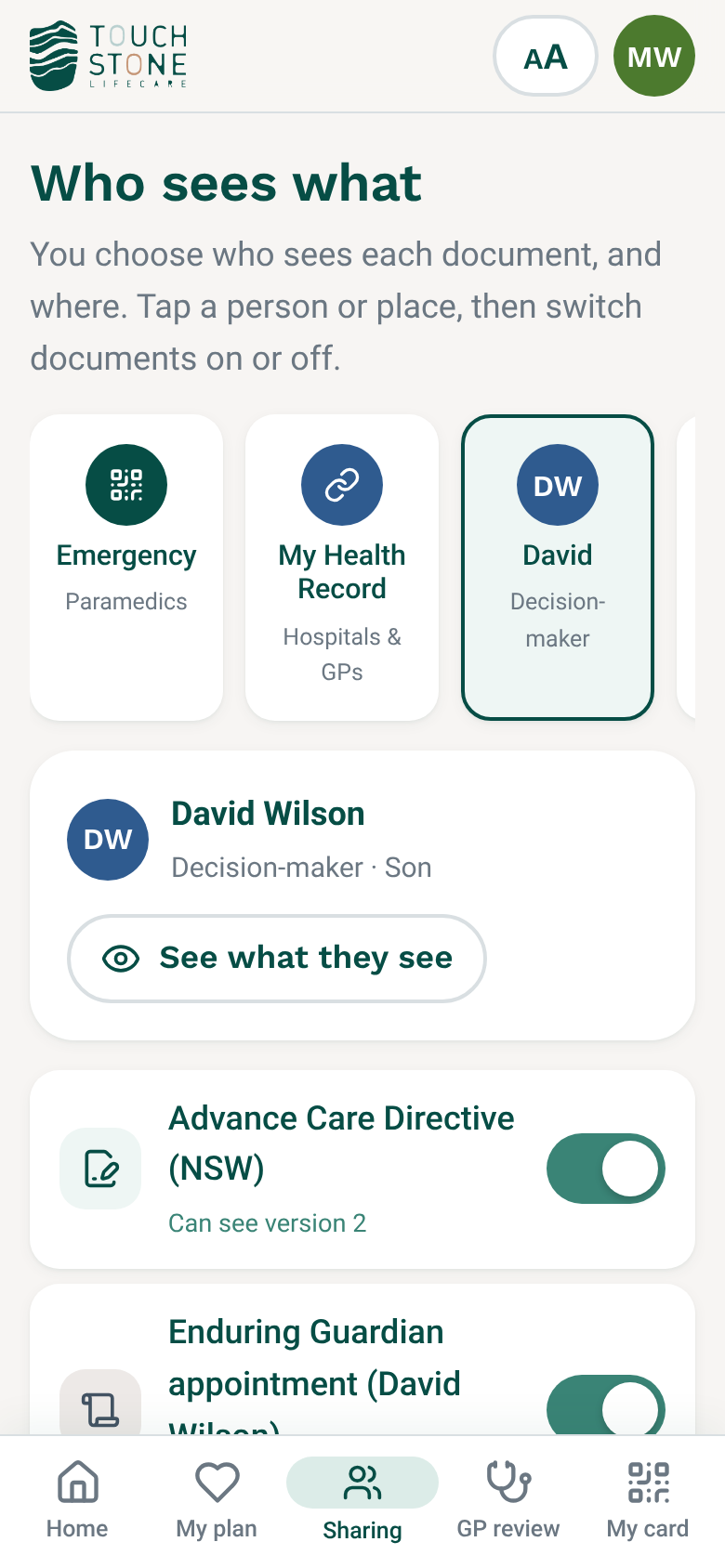
Choose who sees each document, and where
Add other documents that explain your directive, like your values, preferences and funeral wishes. You choose who sees each one, and where.
- Family, GP, lawyer or care home
- On your emergency card and in My Health Record
- “See what they see” preview
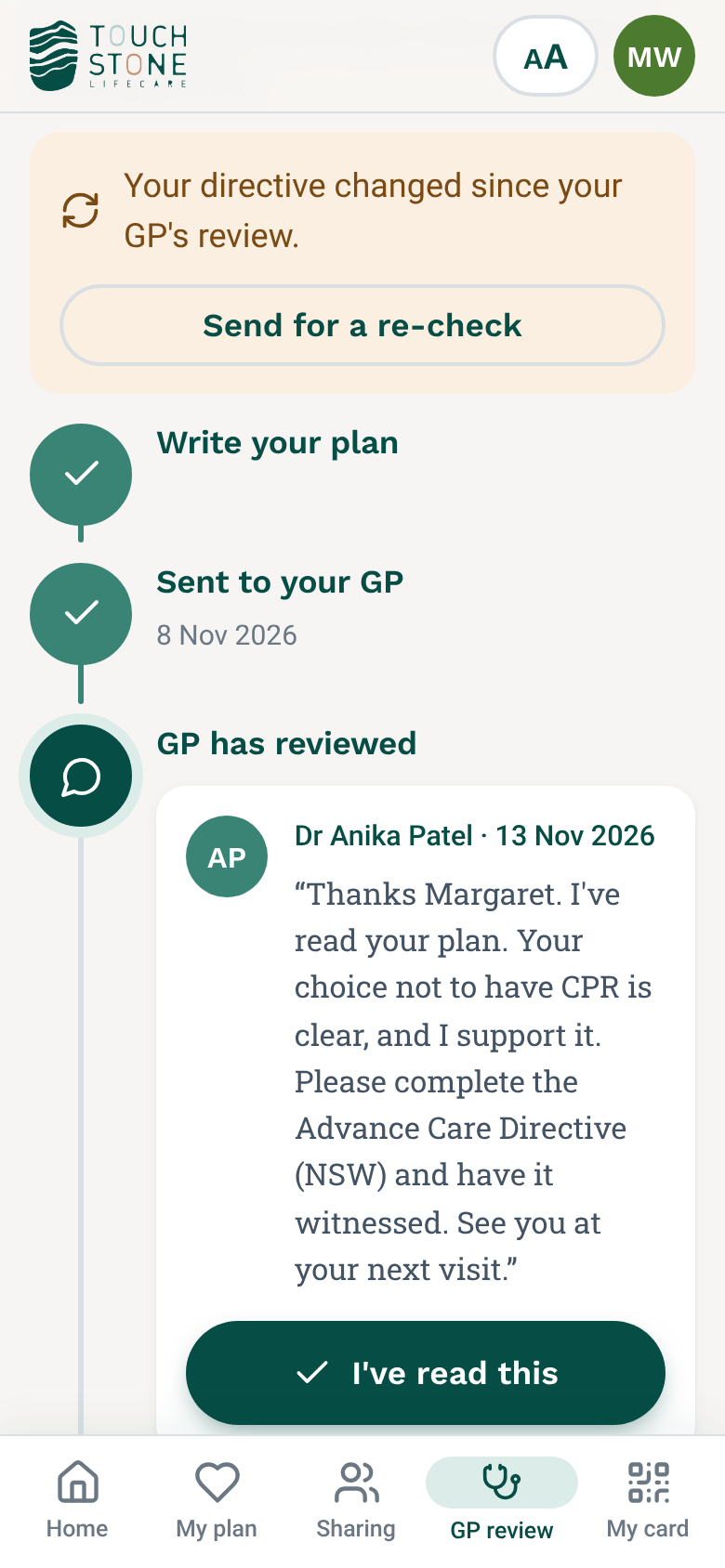
Your GP checks it with you
Send your plan to your GP. They add notes. Then you sign your state's official form.
- Clear status at every step
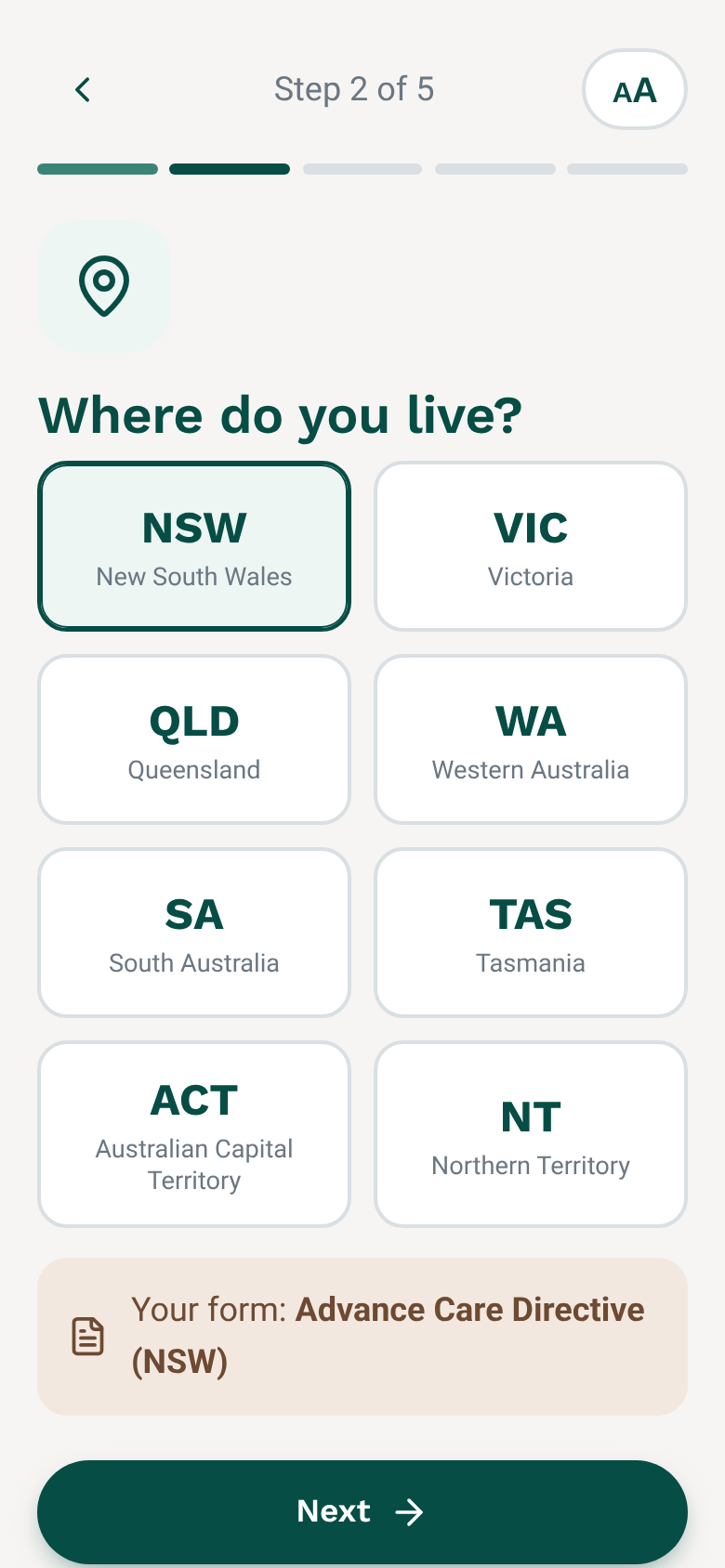
- Your state form, matched to where you live
- Reminder to review every year
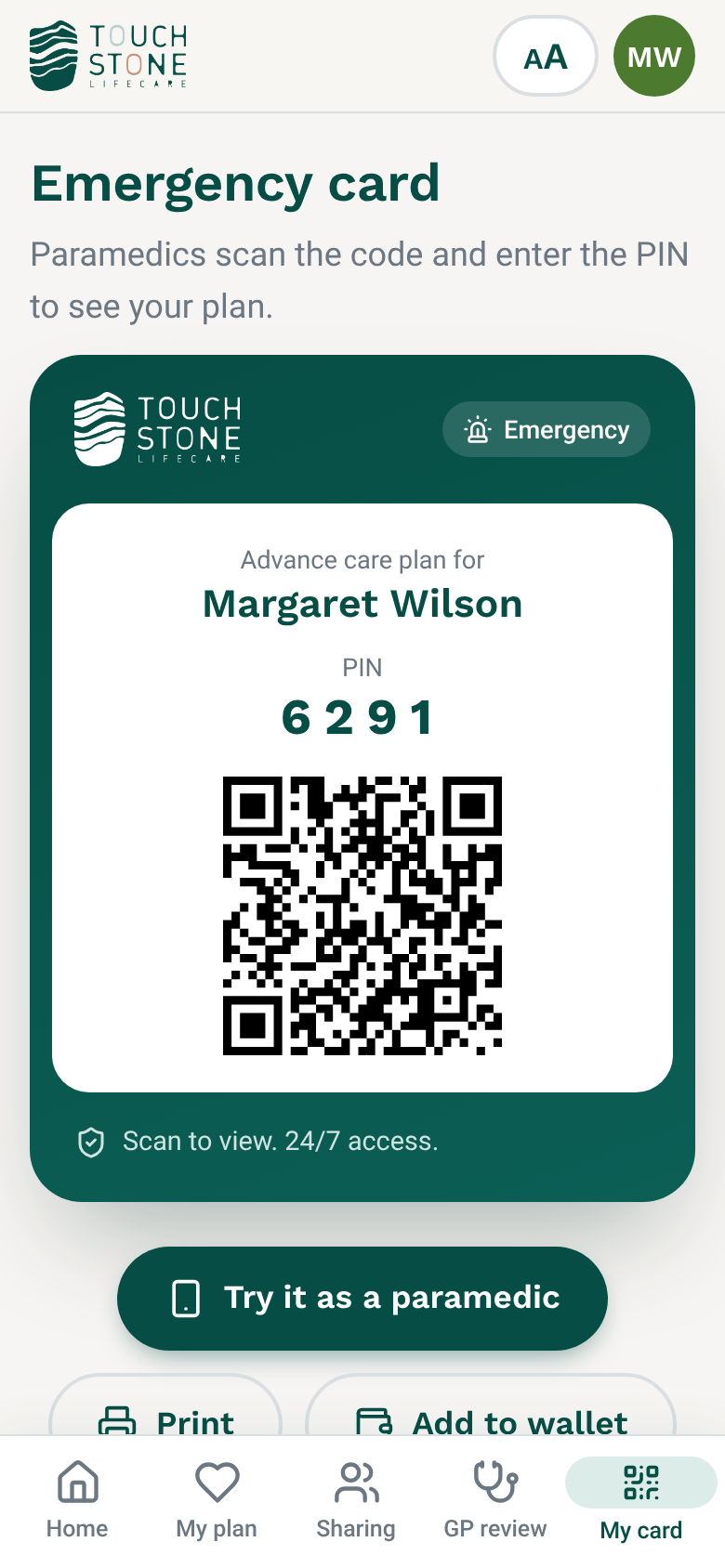
Found in an emergency
Your plan goes to My Health Record and onto an emergency card for paramedics.
- Scan the code, enter the PIN
- Works 24/7, anywhere in Australia
- Print it, or keep it on your phone
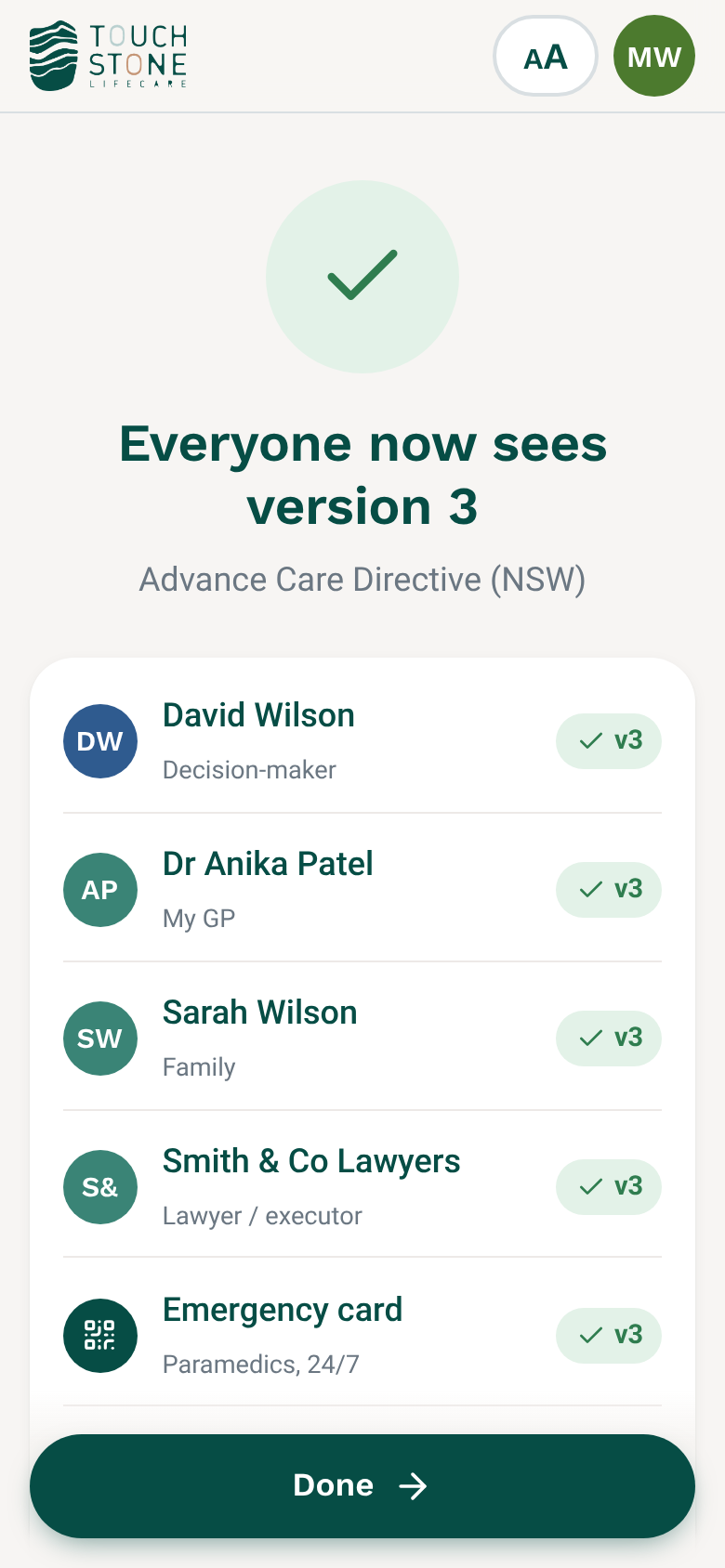
Changed your mind?
Update your documents and the new versions replace the old ones everywhere, straight away. Your family, your GP and your emergency card all show the same current version.
- Upload a new version in a couple of taps
- Older versions kept for your records only
- Your GP can re-check what changed
Easy to start
Short steps, big buttons and pictures. Not paperwork.
Who sees what, at a glance
You choose who sees each document, and where. When you add someone, we suggest which documents they see. You can always change it.
| Document | Family | Decision-maker | My GP | Aged / home care | Lawyer / executor | Paramedic |
|---|---|---|---|---|---|---|
| Advance care directive | ||||||
| Values & preferences | ||||||
| Treatment & decision-maker | ||||||
| Funeral wishes | ||||||
| Power of attorney | ||||||
| Legacy vault |
Reviewed, signed and shared
The app shows exactly where your plan is, and what happens next.
- Upload or writeBring your directive, or answer simple questions.You
- GP reviewYour GP reads it and adds notes.Your GP
- Sign the formSign your state form with a witness.You + witness
- My Health RecordUploaded so hospitals can find it.Touchstone
- ShareOnly with the people you choose.You
- Update any timeThe new version replaces the old one everywhere.You + GP
Your official form, matched for you
Touchstone supports, and doesn't replace, your state's legal form.
Start your plan today.
It's free to begin, and you can stop at any time. Your answers save as you go.